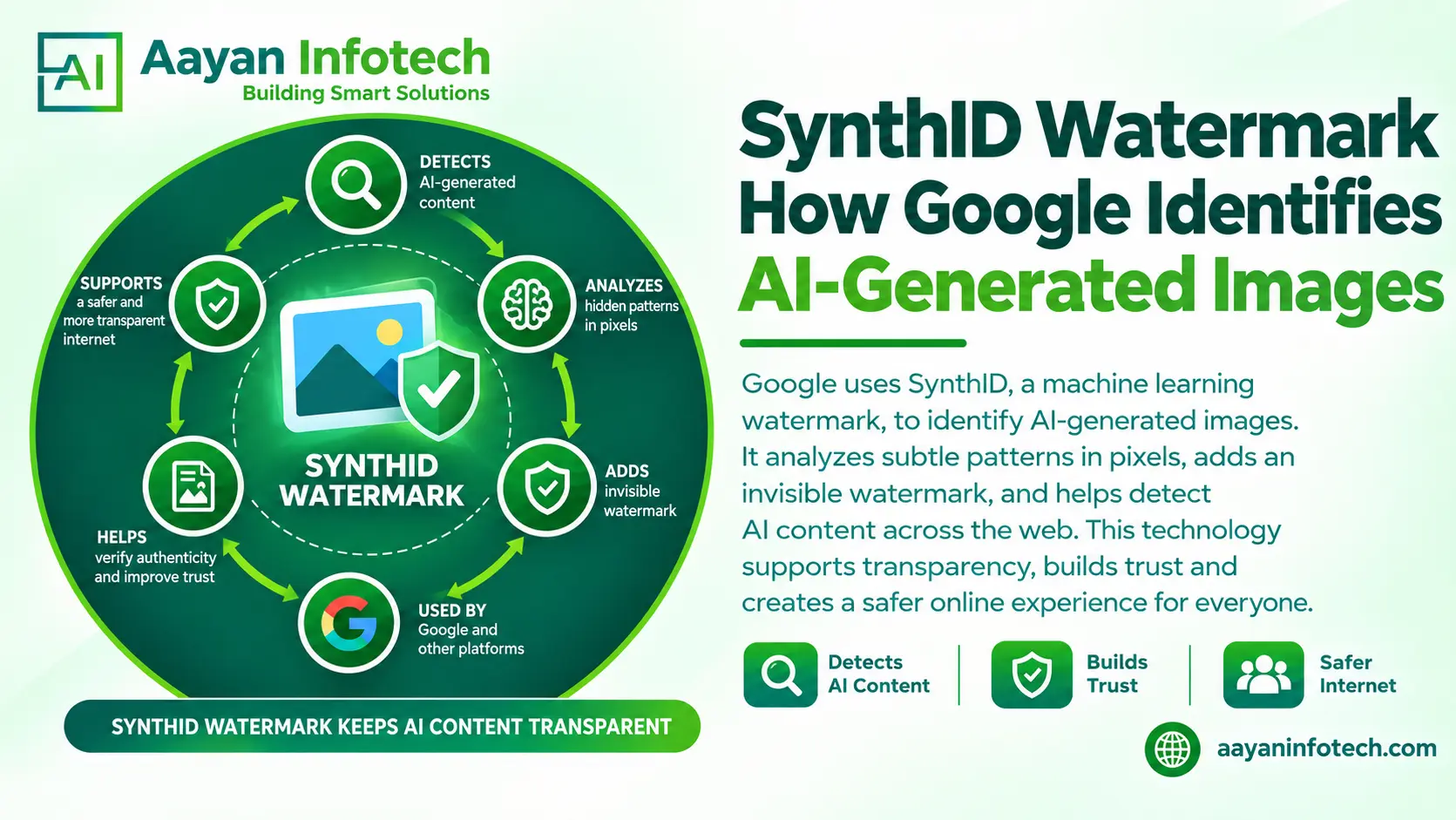
Artificial intelligence can create realistic images for websites, advertisements, social media, and digital publications. However, identifying whether an image was created by a human or an AI tool is not always easy. The SynthID watermark helps address this challenge by embedding an invisible digital watermark into content generated by supported Google AI tools.
SynthID is a technology developed by Google DeepMind to help identify AI-generated content. It adds a digital signal that compatible verification tools can detect later. This helps users understand whether supported Google AI tools generated or edited an image.
However, detecting a watermark does not prove that an image is authentic or reveal its complete history. In this guide, you will learn how SynthID works, how to check images, and what its detection results can and cannot tell you.
SynthID is Google’s AI watermarking technology. It embeds imperceptible digital watermarks into content generated by supported AI models. The technology supports multiple content types, including images, audio, video, and text.
Unlike traditional watermarks, which appear as visible logos or text overlays, SynthID is designed to remain invisible during normal viewing.
For images, the watermark is incorporated into the image pixels during generation. A compatible detection system can then analyze the image for patterns associated with SynthID.
The main purposes of SynthID include:
SynthID is designed to preserve the visual quality of an image. It also aims to remain detectable after common image modifications, although detection is not guaranteed in every situation.
Understanding how SynthID works requires looking at two processes: watermark embedding and watermark detection.
When a supported AI model generates an image, SynthID incorporates an imperceptible watermark into its pixels. The watermark is designed to blend into the image without adding visible text, logos, or symbols.
This allows the image to look normal while carrying a signal that compatible detection systems can analyze.
When a user submits an image to a supported verification tool, the system analyzes it for patterns associated with SynthID.
Users do not need to locate the watermark manually. The detection process is handled by compatible technology.
The verification system reports its findings. Depending on the tool and content, the result may indicate that a watermark was detected, that no detectable watermark was found, or that the available evidence was inconclusive.
A positive result provides evidence of compatible AI generation or editing. It does not independently prove that every part of the image was generated by AI.
SynthID is designed to withstand common image transformations, including resizing, cropping, color changes, filters, and lossy compression.
This can help the watermark remain detectable when images are shared online or edited for different platforms. However, detection is not guaranteed after every modification. Extensive processing, poor image quality, or small AI-generated edits may affect the result.
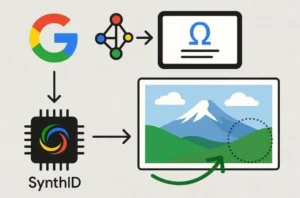
Google uses SynthID watermark detection to help identify content created or edited by supported AI models. The available verification methods depend on the product and the type of content being checked.
Several Google tools are relevant to this process.
Gemini: Users can upload supported images and ask whether Google AI generated or edited them. Gemini can check for SynthID watermarks in supported content.
SynthID Detector: Google’s dedicated verification initiative helps users check images and other supported media for SynthID watermarks. Access and supported content depend on the current availability of the service.
Content provenance tools: Other systems, including Content Credentials where available, can provide information about an image’s origin and editing history.
These technologies serve different purposes. SynthID checks for a compatible watermark, while provenance information may document how content was created or modified.
A watermark does not independently establish who created an image, whether a depicted event occurred, or whether the image communicates accurate information. Users should consider the original source and surrounding context when verifying important content.
For technical details, read the official Google DeepMind SynthID overview.
You can use Google’s supported verification tools to check whether an image contains a detectable SynthID watermark.
Follow these steps to check an image using Gemini.
Visit Gemini and sign in with an eligible Google account.
Use the file-upload option to select the image you want to check. Make sure the image format and file size meet the requirements displayed by the service.
After uploading the image, enter a question such as:
“Was this image generated or edited using Google AI? Please check for a SynthID watermark.”
A specific question helps clarify what you want the tool to verify.
Read the response carefully. The result may indicate that SynthID was detected, that no watermark was detected, or that the tool could not reach a clear conclusion.
If the image is being used for journalism, business, research, or an important decision, examine its original source and available provenance information as well.
For more details, consult Google’s Gemini image verification help.
Watermark detected: The tool found evidence of a compatible watermark. This can indicate that supported AI tools generated or edited the image or part of it.
No watermark detected: The tool did not find a detectable SynthID watermark. The image may still have been created using another AI system or may have a watermark that the tool could not detect.
Inconclusive result: The available evidence was insufficient for a clear conclusion. Image quality, limited visual information, or a small AI-generated edit may affect detection.
Remember that different verification tools may support different AI models. Check the current documentation before assuming that a tool can identify images from every AI platform.
No. SynthID is designed to detect compatible watermarks, not every image produced by artificial intelligence.
Several limitations affect its use.
Images created by AI systems that do not use SynthID may not contain a detectable SynthID watermark. A negative result therefore cannot establish that a human created the image.
SynthID aims to remain detectable after common transformations. However, extensive editing or repeated processing may affect detection. A failed detection does not necessarily mean that someone deliberately removed the watermark.
An image may combine an original photograph with a small AI-generated edit. Such changes may not always carry enough detectable information to produce a clear result.
Even a positive watermark result cannot determine whether the image is misleading, whether its caption is accurate, or whether the publisher has permission to use it.
For important verification tasks, combine SynthID checks with source research, reverse image search, available metadata, and reliable reporting.
SynthID and traditional image watermarks have different purposes.
| Feature | SynthID watermark | Traditional visible watermark |
| Appearance | Designed to be invisible | Usually visible as text, a logo, or a graphic |
| Main purpose | Help identify compatible AI-generated or edited content | Identify a brand, owner, or source |
| Detection | Requires compatible detection technology | Can usually be seen without special software |
| Visual impact | Designed to preserve image quality | May cover part of the image |
| Effect of editing | May remain detectable after common transformations | May be cropped, covered, or altered |
| What it establishes | Evidence of compatible AI generation or editing | The presence of a visible label, not necessarily verified ownership |
Image metadata can contain information such as camera settings, timestamps, editing software, and other file details. Some metadata can be removed during editing or export.
SynthID embeds a watermark into the image pixels instead of relying only on separate metadata. This gives compatible detection tools another way to examine an image’s possible origin.
Content Credentials offer a different approach by documenting provenance information when available. Combining these methods can provide more context than relying on a single verification signal.

AI-generated images are increasingly relevant to digital marketing, online publishing, journalism, and business communications. Understanding watermark detection can help organizations make informed decisions about their digital content.
Marketing teams can use image verification when reviewing asset origins, documenting AI-assisted workflows, and checking content before publication. Clear internal policies can also help teams communicate how AI-generated visuals are used.
Journalists can treat watermark detection as one part of a broader verification process. They should still check the original source, context, date, and claims associated with an image before publishing it.
Businesses can document where images came from, track approved assets, and establish rules for AI-assisted content. Watermark detection may provide useful evidence, but it does not replace copyright checks or ownership verification.
Watermark checks can help when investigating suspicious images circulating online. However, a watermark cannot independently determine whether a claim is true or false.
For businesses, the most practical approach is to combine technical verification with source checks, editorial review, and documented content policies.