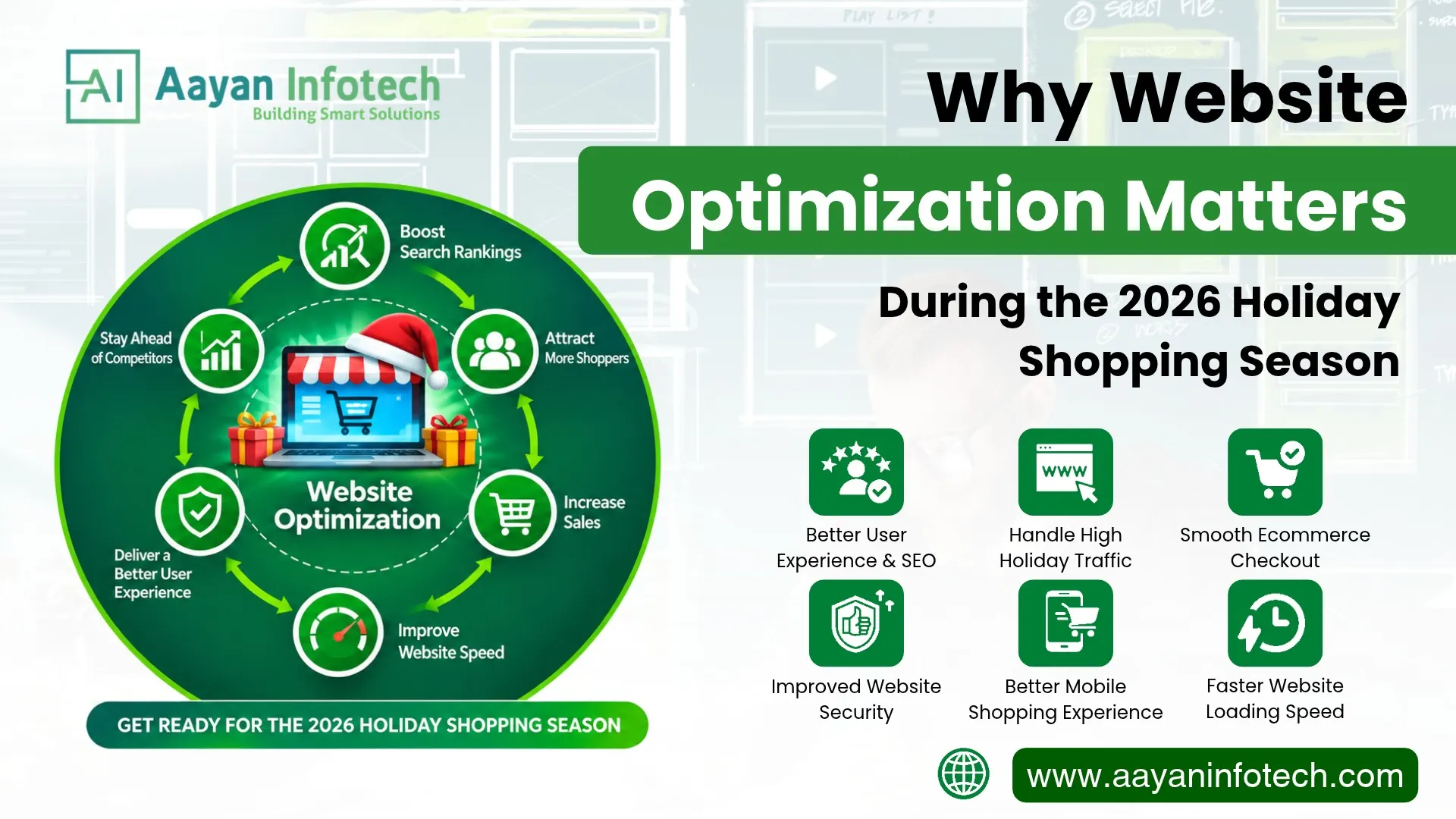
The holiday shopping season creates important opportunities for online businesses. From Black Friday and Cyber Monday to Christmas and New Year sales, customers visit ecommerce websites to compare products, explore discounts, and complete purchases. However, increased website traffic also creates technical challenges that businesses must prepare for.
Website optimization helps businesses maintain a fast, secure, responsive, and user-friendly online experience during busy shopping periods. A slow website, confusing navigation, or complicated checkout process can frustrate visitors and affect their decision to purchase.
For online retailers, website optimization for the holiday season should cover more than loading speed. It should include mobile responsiveness, website security, Core Web Vitals, server capacity, ecommerce functionality, and search engine performance.
Preparing these areas before peak shopping periods can help businesses create a smoother customer journey and make better use of seasonal traffic.
In this guide, we explain why holiday website optimization matters in 2026, which areas businesses should prioritize, and how to prepare an online store for increased shopping activity.
Website optimization is the process of improving a website’s speed, functionality, usability, security, and overall performance. It helps visitors access information easily, interact with website features, and complete important actions without unnecessary difficulties.
For ecommerce businesses, website optimization focuses on making the shopping experience efficient from product discovery to checkout.
It generally includes:
General website optimization benefits business websites, while ecommerce website optimization also focuses on product listings, shopping carts, payment processes, inventory connections, and order management.
A well-optimized website gives visitors a more reliable experience and helps businesses support their online operations.

The holiday shopping season can bring changes in website traffic, customer expectations, and purchasing activity. Businesses often run seasonal promotions and marketing campaigns to attract new visitors and encourage existing customers to shop.
However, attracting visitors is only one part of the process. The website must also support their browsing and purchasing activities.
Here are the main reasons website optimization matters during the 2026 holiday shopping season.
Holiday promotions can attract more visitors than a website normally receives. Campaigns around Black Friday, Cyber Monday, Christmas, and New Year may bring sudden increases in traffic.
If the hosting environment or website infrastructure cannot handle the additional demand, visitors may experience slow pages, failed requests, or temporary downtime.
Businesses should prepare by:
Holiday traffic optimization helps businesses prepare their websites for higher visitor demand while reducing the risk of performance problems.
Website user experience influences how visitors interact with an online store. Customers want to find products, understand product details, compare options, and complete purchases without unnecessary steps.
A confusing website can make shopping difficult, especially when visitors are browsing several stores at the same time.
Businesses can improve user experience by:
A smooth and easy-to-use shopping experience allows customers to browse products, find the information they need, and complete their purchases without confusion. Consistent navigation and clear website layouts make it easier for visitors to explore the store, feel comfortable, and shop with confidence.
Website conversion rate refers to the percentage of visitors who complete a desired action, such as purchasing a product, submitting an enquiry, or signing up for a service.
Website optimization can support conversion opportunities by reducing friction throughout the customer journey.
For example, an online store with a slow checkout page may frustrate customers who are ready to place an order. Improving page responsiveness, simplifying forms, and making payment options easier to use can help reduce unnecessary barriers.
However, better website performance does not guarantee higher sales. Pricing, product availability, customer trust, competition, and marketing quality also influence purchasing decisions.
Businesses should review several technical and user experience factors before launching major holiday campaigns.
Website loading speed affects how quickly visitors can view and interact with website content.
Large images, unnecessary scripts, unoptimized code, and slow server responses can increase loading times. These problems may become more noticeable when customers visit multiple pages during busy shopping periods.
Consider these website speed optimization practices:
Pay particular attention to product pages, category pages, landing pages, and checkout screens.
Testing these pages on both mobile and desktop devices can help identify performance issues before holiday campaigns begin.
Many customers browse online stores using smartphones. A mobile-friendly website makes it easier to explore products, read information, and complete purchases on smaller screens.
A website that works well on desktop may still create problems on mobile devices.
For better mobile website performance:
Businesses should test their websites across different devices and browsers rather than relying only on desktop previews.
Core Web Vitals are Google’s metrics for evaluating important aspects of real-world website user experience. They focus on loading performance, responsiveness, and visual stability.
The three main metrics are:
| Metric | What It Measures | Good Performance |
| Largest Contentful Paint (LCP) | How quickly the main page content loads | 2.5 seconds or less |
| Interaction to Next Paint (INP) | How quickly a page responds to user interactions | 200 milliseconds or less |
| Cumulative Layout Shift (CLS) | How stable the page layout remains | 0.1 or less |
These thresholds are Google’s recommended good-performance targets.
Businesses can improve these metrics by optimizing images, reducing unnecessary JavaScript, improving server response times, and reserving space for images and other page elements.
Use Google PageSpeed Insights to check individual pages and identify possible improvements.
You can also review the Google Core Web Vitals documentation for detailed guidance.
Remember that good Core Web Vitals support a better user experience, but they do not guarantee higher search rankings.
Ecommerce websites contain several interactive features that must work together. These include product listings, search tools, shopping carts, checkout forms, and payment integrations.
During busy shopping periods, problems with these features can interrupt the purchasing process.
Businesses should review the following areas:
Product pages
Shopping cart
Checkout process
A smooth ecommerce experience makes it easier for customers to complete their shopping journey.
Website security becomes particularly important when customers create accounts, submit personal information, or make online payments.
A secure website helps protect business operations and customer information.
Before the holiday shopping season, businesses should:
Businesses should also confirm that payment providers follow applicable security requirements.
For payment card environments, the PCI Security Standards Council provides information about payment security standards.
Security preparation should be part of regular website maintenance, not a last-minute holiday task.
Holiday traffic can increase quickly after an email campaign, paid advertisement, or promotional announcement.
A website that performs well during normal traffic conditions may struggle when many visitors access it simultaneously.
Holiday traffic optimization should include:
Hosting review: Check whether the current hosting plan provides sufficient resources for expected demand.
Load testing: Simulate different visitor levels to understand how the website responds under pressure.
Caching: Store suitable website resources to reduce repeated processing and server requests.
CDN implementation: Deliver supported static resources through geographically distributed servers.
Database optimization: Review slow queries and unnecessary database operations.
Monitoring: Track server health, response times, errors, and resource usage.
Businesses should conduct performance testing in a controlled environment and avoid risky infrastructure changes immediately before major promotional events.
Good navigation helps visitors find the information they need without wasting time. During the holiday shopping season, customers may have specific requirements, such as finding gift categories, comparing products, or checking delivery options.
Improve website navigation by:
For example, an online fashion store can organize its products into gift collections, clothing categories, and price ranges.
This makes product discovery easier and helps visitors navigate the store more efficiently.
Website optimization also includes technical SEO and content improvements.
Holiday landing pages can help businesses present relevant seasonal products, promotional information, and gift collections.
However, these pages should provide genuine value rather than simply repeat seasonal keywords.
Focus on:
Businesses should also review their existing organic landing pages to identify technical issues that could affect visitors arriving through search engines.
Website optimization supports more than technical performance. It can improve how customers interact with a business and how effectively an online store handles shopping activity.
Here are some important benefits.
| Optimization Area | Potential Business Benefit |
| Faster loading pages | Helps visitors access products more quickly |
| Mobile responsiveness | Makes shopping easier on smartphones |
| Better navigation | Helps customers find relevant products |
| Smooth checkout | Reduces unnecessary purchasing friction |
| Website security | Supports customer confidence |
| Traffic preparation | Helps maintain website availability |
| Technical SEO | Supports search engine accessibility |
| Performance monitoring | Helps identify problems earlier |
These improvements work together to create a more reliable ecommerce experience.
Businesses should also monitor important metrics, including:
Reviewing these metrics helps businesses understand how their websites perform during seasonal campaigns.
Even businesses with established websites can overlook important technical issues before holiday promotions.
Avoid these common mistakes:
A better approach is to prepare early, test important features, and monitor website performance throughout the holiday season.
Businesses should start website optimization several weeks or months before their major holiday campaigns, depending on website size, complexity, and the amount of work required.
Early preparation provides more time for testing and resolving technical problems.
A practical preparation schedule can look like this:
| Preparation Stage | Recommended Activities |
| 8–12 weeks before | Conduct a website audit, review hosting, and identify major technical issues |
| 4–8 weeks before | Improve speed, mobile responsiveness, navigation, and important landing pages |
| 2–4 weeks before | Test checkout, payment integrations, security, and website capacity |
| 1–2 weeks before | Review website functionality, backups, and monitoring systems |
| During the holiday season | Monitor traffic, errors, uptime, and customer activity |
This is a suggested planning framework, not a fixed requirement. Larger ecommerce platforms may need more preparation time.
Businesses should avoid unnecessary major changes immediately before high-traffic events. Any important updates should be tested before deployment.
Website optimization requires the right combination of development, technical knowledge, user experience, and ongoing maintenance.
Aayan Infotech provides website development and digital technology solutions for businesses across different industries and international markets.
Its website development services cover areas such as front-end and back-end development, UI/UX design, ecommerce websites, content management systems, and custom web applications.
Businesses can explore relevant solutions, including:
Website Development: Build responsive business websites with attention to functionality, usability, and performance.
Ecommerce Website Development: Develop online shopping platforms with product listings, shopping cart functionality, and customer-focused purchasing experiences.
Custom Web Solutions: Create website features and applications that support specific business requirements.
UI/UX Design: Improve website navigation, layouts, and customer interactions across devices.
Website Testing and Maintenance: Review functionality, loading times, compatibility, and security as part of website quality assurance and ongoing support.
Aayan Infotech follows a website development process that includes planning, design, development, testing, deployment, and support.
For businesses preparing for the 2026 holiday shopping season, working with an experienced development team can help identify website issues and plan improvements based on actual technical requirements.
Learn more about Aayan Infotech’s Website Development Services.
The 2026 holiday shopping season offers online businesses an opportunity to reach customers through seasonal campaigns and product promotions. However, attracting visitors is not enough. Websites must also provide a reliable experience throughout browsing, product selection, and checkout.
Website optimization helps businesses prepare for increased traffic, improve loading speed, support mobile users, strengthen security, and make ecommerce functionality easier to use.
Start with a website performance audit, review Core Web Vitals, test important shopping features, and address technical issues before launching major campaigns.
If your business needs professional support with website development, ecommerce functionality, or performance improvements, Aayan Infotech can help you plan a solution around your business requirements.
Prepare your business for the holiday shopping season with professional website development and optimization solutions from Aayan Infotech. Improve your website’s speed, security, mobile responsiveness, and user experience to create a smoother online experience for your customers.
Contact Aayan Infotech or email info@aayaninfotech.com to discuss your website development and optimization requirements. Visit https://aayaninfotech.com/ to explore our services and find the right solution for your business.