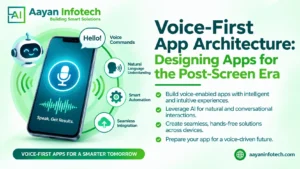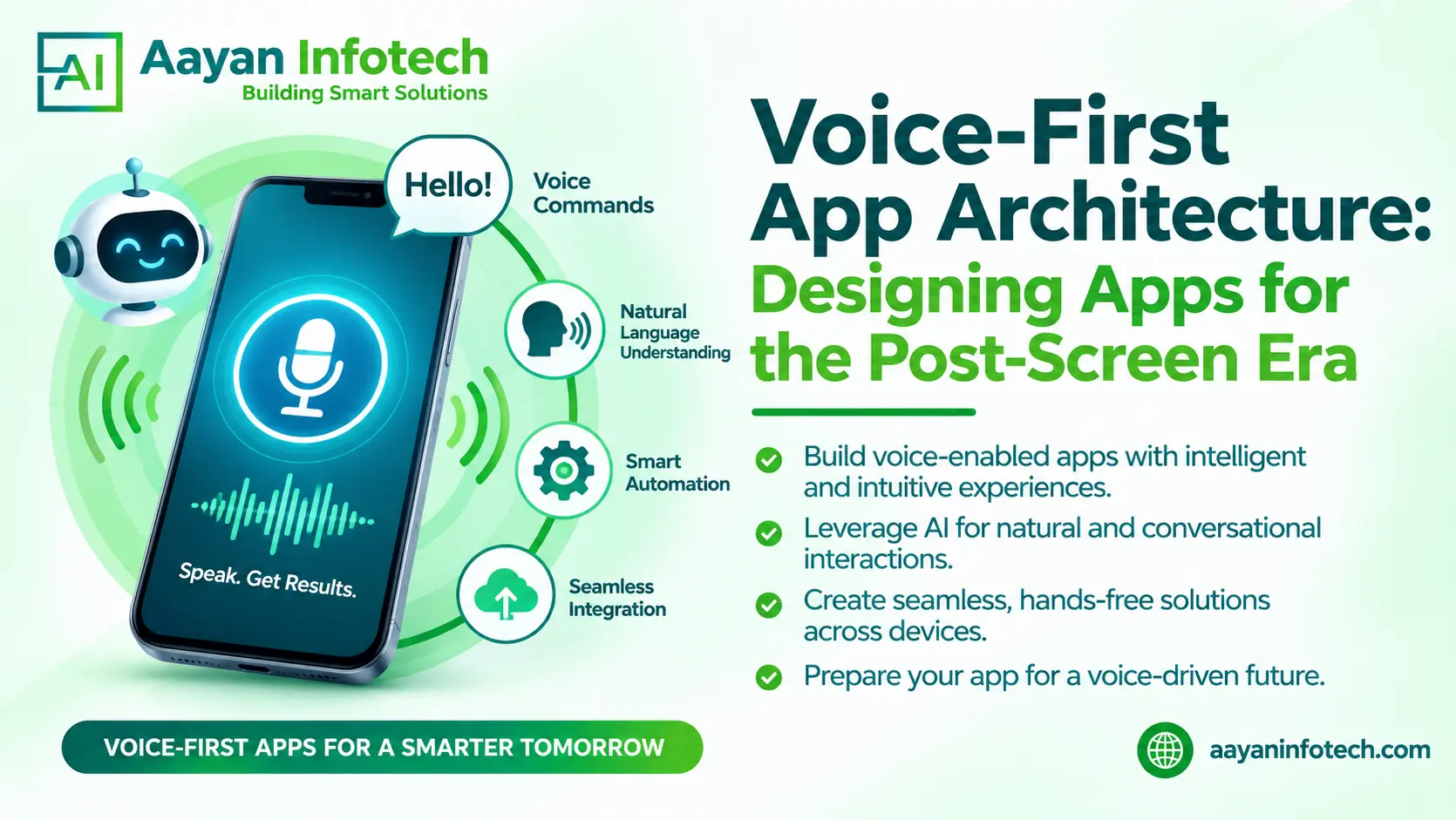
Voice-First App Architecture is changing how people interact with mobile applications, digital platforms, and connected devices. Instead of depending entirely on buttons, menus, and touchscreens, users can communicate with applications through natural speech.
As artificial intelligence continues to improve speech recognition and conversational experiences, businesses are exploring new ways to make their applications easier to use. Voice commands can help customers search for products, schedule appointments, access information, manage devices, and complete everyday tasks.
This shift does not mean traditional screens will disappear. Instead, applications are moving towards more flexible experiences where users can switch between voice, touch, and visual interactions.
For businesses planning their next digital product, understanding voice technology is becoming an important part of application development. With the right architecture, companies can create applications that respond naturally to user needs while maintaining security, performance, and usability.
Voice-First App Architecture is an application development approach that places voice interaction at the centre of the user experience.
Traditional applications generally depend on visual interfaces. Users navigate menus, select options, type information, and tap buttons to complete tasks.
A voice-first application allows users to perform many of these actions by speaking naturally.
For example, a customer using a shopping application might say:
“Find wireless headphones under $100.”
The application processes the request, understands the user’s intention, retrieves matching products, and provides a spoken or visual response.
A typical voice-first system includes several connected technologies:
The main objective is to make digital interactions more natural without removing useful visual features.
People increasingly expect applications to provide convenient and accessible experiences. Voice interaction supports these expectations by offering another way to access digital services.
The post-screen era does not mean that screens become unnecessary. It means applications are no longer limited to screen-based interaction. Several factors are contributing to this development.
Voice commands allow users to interact with applications while performing other activities. For example, drivers can request navigation instructions without manually searching through menus. A person cooking can use a voice assistant to set a timer or check a recipe.
Voice interfaces can help people who find traditional touch-based navigation difficult. Users with visual impairments or certain physical limitations may benefit from spoken commands and audio feedback. However, applications should still provide alternative interaction methods for users who cannot or prefer not to use voice.
People are familiar with asking questions and expressing requests through speech. Conversational interfaces can make some digital tasks feel more straightforward than navigating several menus.
Modern AI technologies support better speech recognition, language understanding, and conversational responses.
These improvements make it possible to build more flexible voice experiences for different industries and user requirements.
A reliable voice-based application requires several technologies working together. Each component has a specific responsibility.
Automatic Speech Recognition converts spoken language into text that an application can process.
For example, when a user says, “Book an appointment for Friday morning,” the ASR system identifies the spoken words.
Recognition quality can depend on pronunciation, microphone quality, background noise, and language support.
Natural Language Processing helps applications analyse and process human language. It allows software to work with written or transcribed language rather than relying only on exact keywords.
NLU focuses on identifying the meaning and intention behind a user’s request. For example, the statement “Show me nearby restaurants” communicates an intention to find local dining options. The system identifies the request and extracts relevant details before processing it.
Text-to-Speech converts written responses into spoken audio. For example, an application can read appointment details or provide navigation instructions instead of requiring users to read everything on a screen.
Conversational AI manages the interaction between users and applications. It helps applications maintain context, answer questions, request missing information, and manage follow-up instructions.
Backend systems connect voice interfaces with the application’s actual functionality. They may retrieve account information, check inventory, schedule appointments, process requests, or connect with third-party services.
Secure API integration ensures that voice commands can trigger appropriate actions without exposing sensitive information.
Voice User Interface Development involves creating the interaction layer through which users communicate with an application. A typical voice interaction follows a sequence of steps.
How a voice-first interaction works
Practical example:
Imagine a healthcare application where a patient says, “Schedule my next appointment for Monday.”
The application recognises the request, checks available appointment slots, and presents suitable options. The patient selects a time, and the system confirms the booking after the necessary verification.
This combination of speech recognition, application logic, and backend integration creates a practical voice-enabled experience.

Voice-Enabled Mobile App Development can help businesses improve how customers interact with their products and services.
The benefits depend on the application’s purpose, target audience, and implementation quality.
Voice interaction gives users another way to navigate applications. It can support people who have difficulty typing, reading small text, or using touch controls.
Customers can perform selected tasks without constantly looking at or touching their devices.
This is useful for navigation, smart home controls, workplace tools, and other situations where hands-free access matters.
Conversational experiences can make applications feel more interactive. Users can ask follow-up questions instead of repeating searches or navigating multiple screens.
With appropriate permissions, applications can use account preferences and previous interactions to provide relevant responses.
For example, a shopping application could remember a customer’s preferred product categories and use that information when responding to future searches.
Businesses can introduce voice commands into internal applications to support tasks such as checking inventory, recording notes, searching records, and accessing operational information.
However, sensitive actions should always include appropriate authentication and confirmation.
Voice-based application development has practical uses across different industries. The most suitable features depend on user requirements and the type of service being offered.
Healthcare applications can use voice interaction to support appointment scheduling, general health information access, and reminders.
For example, a patient could ask for an application when their next appointment is scheduled. Access to medical records and other sensitive information must follow suitable authentication and privacy controls.
Online shopping platforms can use conversational AI to help customers find products, check order status, and understand product details.
A customer might say, “Find running shoes in my size.”
The application can process the request and display relevant products.
Banking applications can provide voice-assisted account navigation, transaction information, and general financial service guidance.
However, payments, transfers, and account changes require stronger verification than ordinary voice searches. Voice recognition alone should not be treated as sufficient identity verification.
Educational applications can support voice-based learning, spoken quizzes, language practice, and interactive lessons.
Students can ask questions and receive explanations through conversational interfaces.
Smart home applications allow users to control compatible lights, thermostats, appliances, and other connected devices through spoken commands.
For example, a user could say, “Turn off the living room lights.”
Automotive voice interfaces can support navigation, music selection, hands-free calling, and selected vehicle functions.
Clear responses and minimal interaction steps are particularly important because driver attention must remain focused on the road.
Businesses can use conversational AI to answer common questions, guide customers through basic processes, and direct more complex requests to human support teams.
A well-designed system should recognise when it cannot resolve a request and provide a clear way to reach a person.
Good Voice Interaction Design is about more than making an application recognise spoken words. It involves creating conversations that are understandable, predictable, and useful.
Businesses should consider the following principles.
Users should be able to express requests in everyday language.
Avoid forcing customers to remember complicated commands or specific phrases.
Applications should confirm important actions and explain what happens next.
For example, after scheduling an appointment, the application should communicate the selected date and time.
Speech recognition is not always perfect. Applications should ask users to repeat or clarify unclear requests.
Instead of displaying a technical error, the assistant could say, “I didn’t catch the appointment date. Could you repeat it?”
Voice applications may process personal conversations, account details, and other sensitive information.
Businesses should consider:
Global applications may serve customers who speak different languages or have different accents.
Multilingual support, local language testing, and regional speech recognition can improve usability.
Not every task is suitable for voice alone.
Complex product comparisons, forms, charts, and detailed reports may work better on a screen.
A multimodal application allows users to speak when convenient and switch to visual controls whenever necessary.
Despite its benefits, Screenless App Development involves several technical and user experience challenges.
Speech recognition accuracy: Different accents, speaking speeds, and pronunciation patterns can affect recognition.
Background noise: Busy environments can make it difficult for applications to identify spoken commands correctly.
Language differences: Slang, regional expressions, and multilingual conversations can create additional processing challenges.
Data privacy: Applications must handle microphone access, recordings, transcripts, and personal information responsibly.
Integration complexity: Connecting speech services with existing databases, APIs, authentication systems, and business software requires careful planning.
User experience: Some people prefer typing or tapping, while others may not feel comfortable speaking to applications in public.
Response delays: Slow speech processing can interrupt conversations and frustrate users. Efficient backend architecture and appropriate processing strategies help reduce unnecessary delays.
The solution is not to make every feature voice-controlled. It is to identify where voice genuinely improves the experience and implement it carefully.
Businesses planning Voice-Based Application Development should begin with their users’ needs rather than selecting technology first.
The following steps provide a practical starting point.
A phased development approach can help businesses test a smaller voice-enabled feature before expanding it across an entire application.
Building a successful voice-enabled application requires more than integrating a speech recognition tool. Businesses need a reliable combination of application architecture, AI capabilities, backend development, user experience design, and security.
Aayan Infotech provides technology solutions covering mobile app development, AI-driven applications, and custom software development for businesses across different industries.
Its development capabilities are relevant to businesses exploring conversational interfaces and intelligent application experiences.
Relevant areas of development include:
Businesses considering voice-enabled products can discuss their requirements with Aayan Infotech to evaluate suitable technologies, application features, and integration possibilities.
You can also explore the Aayan Infotech technology blog for additional information about AI, software development, and emerging digital technologies.
Ready to create smarter, more accessible, and voice-enabled applications? Aayan Infotech helps businesses develop innovative mobile applications with conversational AI, voice interaction, and intelligent assistant integration.
Turn your app idea into a voice-powered digital experience. Contact Aayan Infotech to discuss your project and explore the possibilities of voice-first app development. Visit aayaninfotech.com, email info@aayaninfotech.com to get started.